Master AFK Farming in Roblox with UgPhone: A Comprehensive Guide
Ever wished you could progress in your favorite Roblox games even while you're away? This guide will show you how to leverage UgPhone and an auto-clicker to set up AFK (Away From Keyboard) farming for various activities in Roblox, including story mode, battle towers, world bosses, raid bosses, and even PvP.
Getting Started: Downloading UgPhone
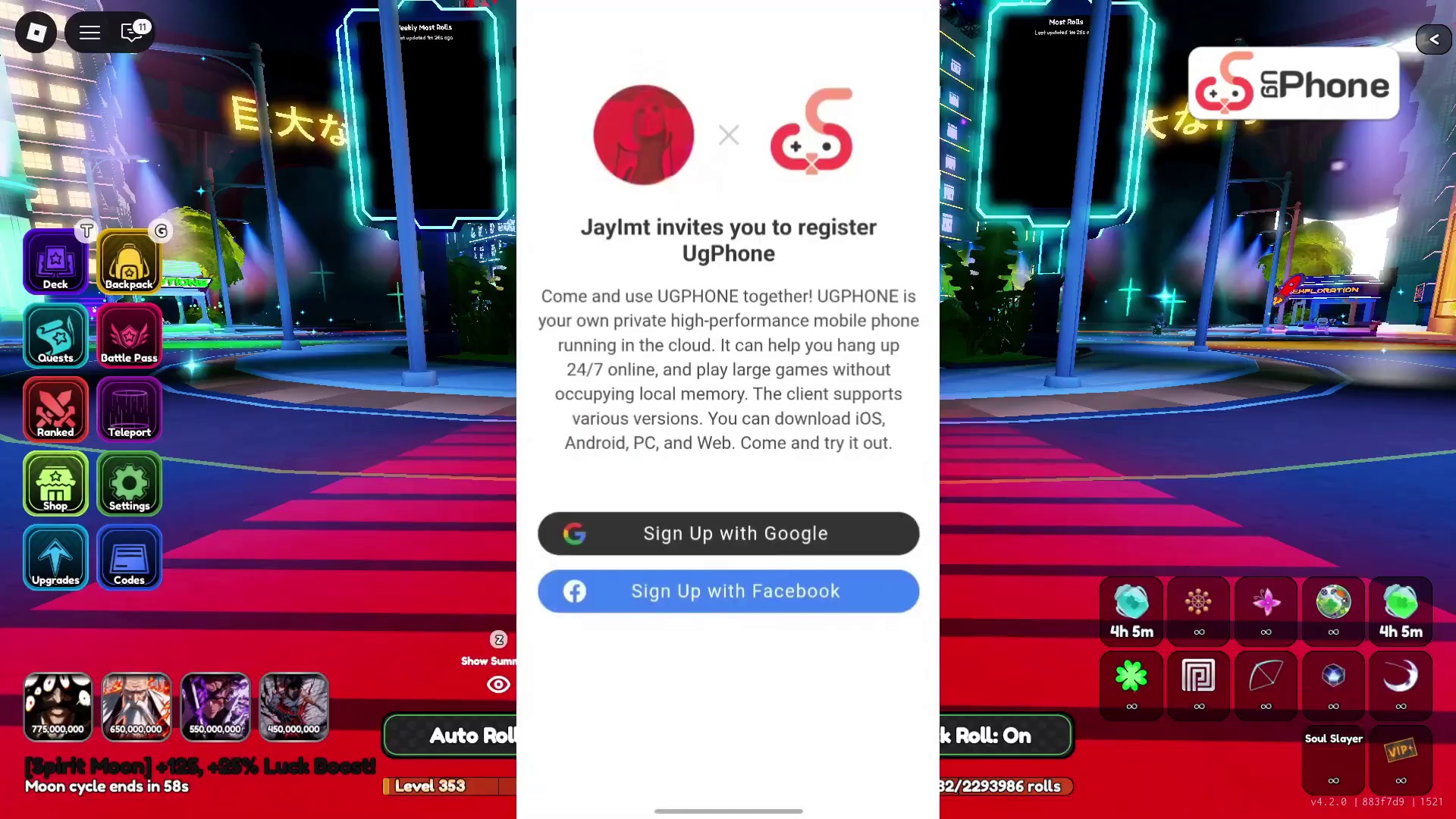
The first step to unlocking efficient AFK farming is to download the UgPhone application. UgPhone is a cloud phone service that allows you to run mobile games 24/7 without consuming your local device's resources. You can download it for iOS, Android, PC, or access it directly through a web browser. The video creator highly recommends this application for its robust features and reliability. After downloading, simply sign up using your Google or Facebook account.
Installing Roblox and Auto Clicker
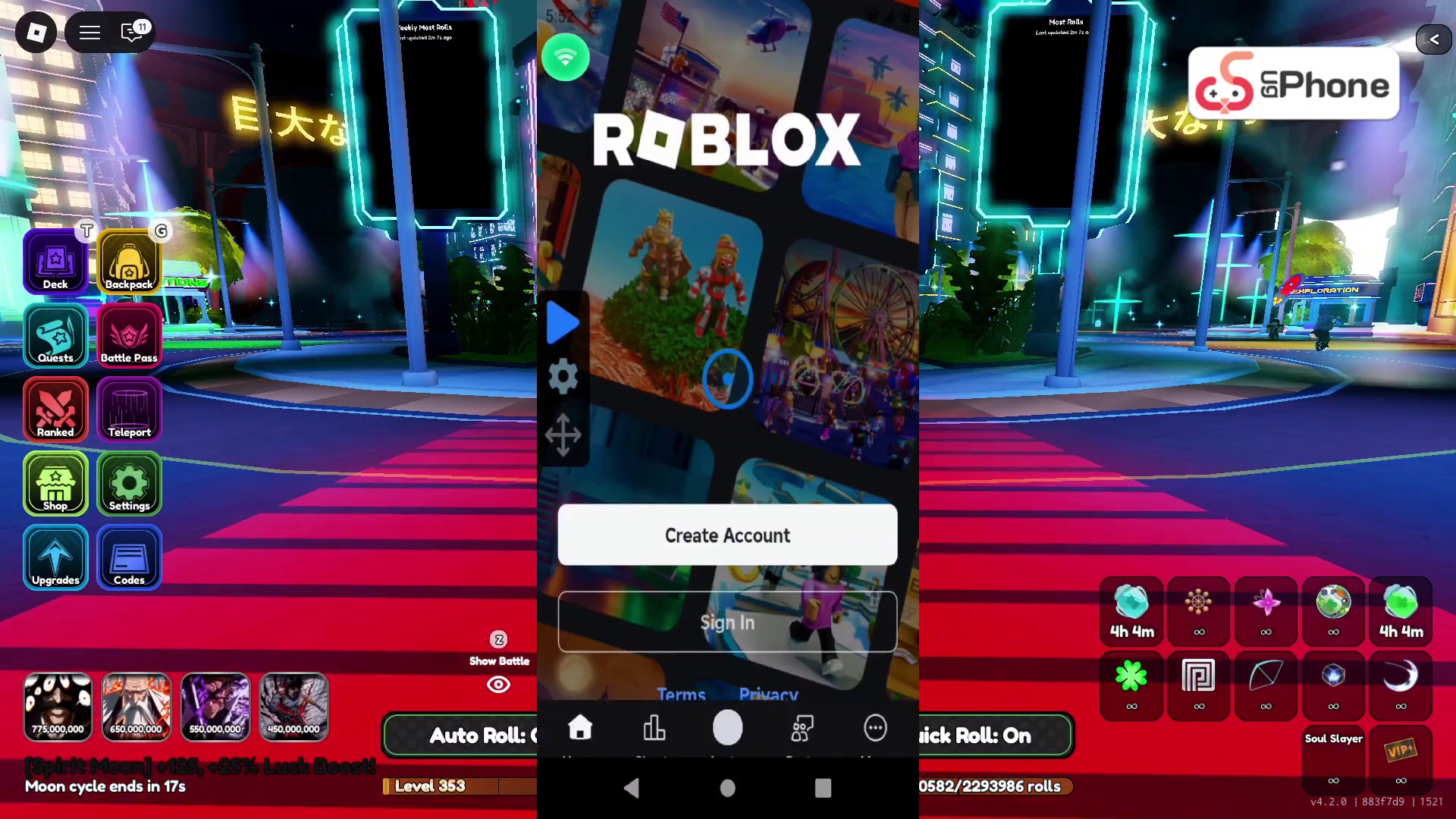
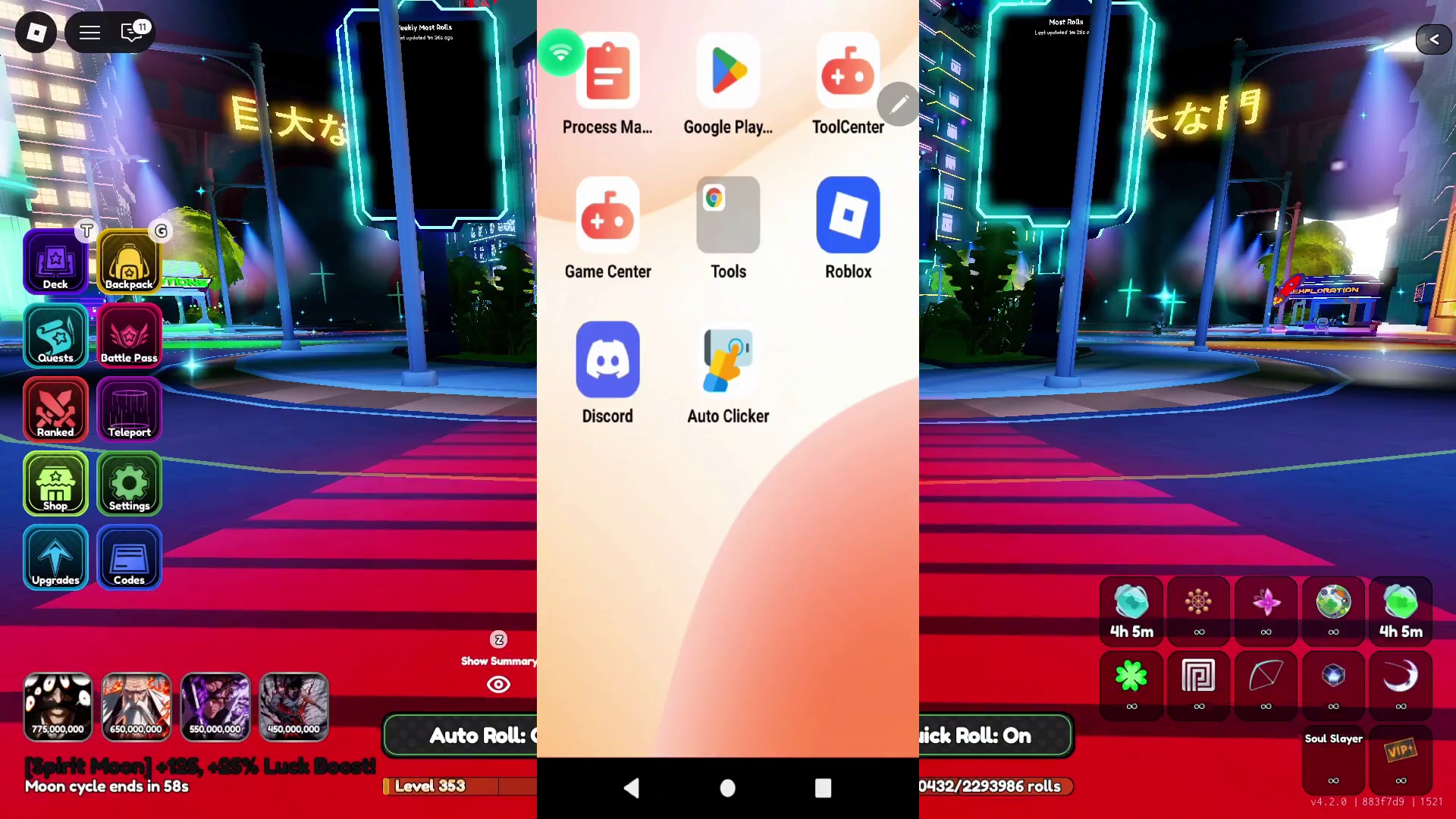
Once UgPhone is set up, navigate to the 'Game Center' within the app to download Roblox. After Roblox is installed, head over to the 'ToolCenter' to download the 'Auto Clicker' application. It's crucial to download the exact Auto Clicker shown in the video to ensure compatibility and follow the setup instructions accurately. This specific auto-clicker allows for both single and multi-target modes, which are essential for different AFK strategies.
AFK Setup for Towers (Story, Potion, Hardcore, Infinite)
For most tower types in Anime Card Clash (Story Tower, Potion Tower, Hardcore Tower, Infinite Tower), the AFK setup is straightforward. Enable 'Single Target Mode' in your Auto Clicker. Once you're in a tower battle, simply place the auto-clicker's single target anywhere on the screen where a consistent tap will trigger card plays or advance rounds. Start the auto-clicker, and it will continuously tap, allowing you to farm quest items, books, potions, and other rewards without active engagement. You won't disconnect, and progress will continue even if you close the UgPhone interface.
AFK Farming World Bosses

To AFK the 'Awakened King of Curses' (the global boss), the setup is similar to the general tower farming. After finding the world boss, enable 'Single Target Mode' in your auto-clicker. Place the target over your cards or ability buttons to ensure continuous attacks. Start the auto-clicker, and your characters will keep attacking the boss, earning you cursed energy and other damage-based rewards. Your progress will be maintained, and you won't disconnect, allowing for long AFK sessions.
AFK Farming Raid Bosses
Farming raid bosses like 'Cifer' for raid cards, potions, and XP books follows a simple single-target auto-clicker method. Navigate to the Raids section, select your desired raid boss and difficulty (Easy, Medium, Hard, Extreme). Once you're on the battle screen, position your single auto-clicker target on the 'Fight' button. Activate the auto-clicker to continuously engage the boss, maximizing your raid rewards.
Advanced AFK: Story Mode Setup

Story mode AFK requires a slightly more complex 'Multi Targets Mode' setup. First, disable single-target mode and enable 'Multi Targets Mode' in your Auto Clicker. Create a 'New Configuration'. Enter a story boss fight (e.g., Unstoppable Fist). You will need two targeting points: one on the desired difficulty level (e.g., Medium, Hard, Extreme, Nightmare, Celestial) and a second one on the 'Fight' button. Arrange the targets so they click the difficulty, then the fight button. Start the auto-clicker. This setup ensures that even if you lose a fight, the auto-clicker will automatically select the difficulty again and retry, allowing for continuous farming of story rewards.
Advanced AFK: PvP Setup
The PvP AFK setup is the most intricate. For 'Scaled PvP', you'll need seven targeting points. Place five targets on the 'Fight' buttons for opponents 1 through 5. After setting these, exit the PvP screen to the main lobby. Add a sixth target and place it on the 'Ranked' button. Finally, re-enter the PvP screen and add a seventh target over the 'Any' or 'Scaled' button at the top. The auto-clicker cycle will then fight opponents, navigate back to the ranked screen, select 'Any' or 'Scaled', and re-engage in battles. It's crucial to have your own defense team deployed to prevent rotation issues. For non-scaled PvP, you can remove the 7th target and only use 6 (5 fights + Ranked).
AFK for Battle Towers (Detailed Example)

For Battle Towers, switch back to 'Single Target Mode'. Choose a specific tower and floor (e.g., Light Fairy Tower, Floor 241). Once on the tower challenge screen, place your single auto-clicker target directly on the 'Begin' button. Start the auto-clicker. This will ensure that your character continuously attempts the tower, even restarting after a loss, until successful. This strategy is highly effective for clearing difficult towers over time and was key to the video creator's early progression.
The Power of Multi-Account AFK with UgPhone
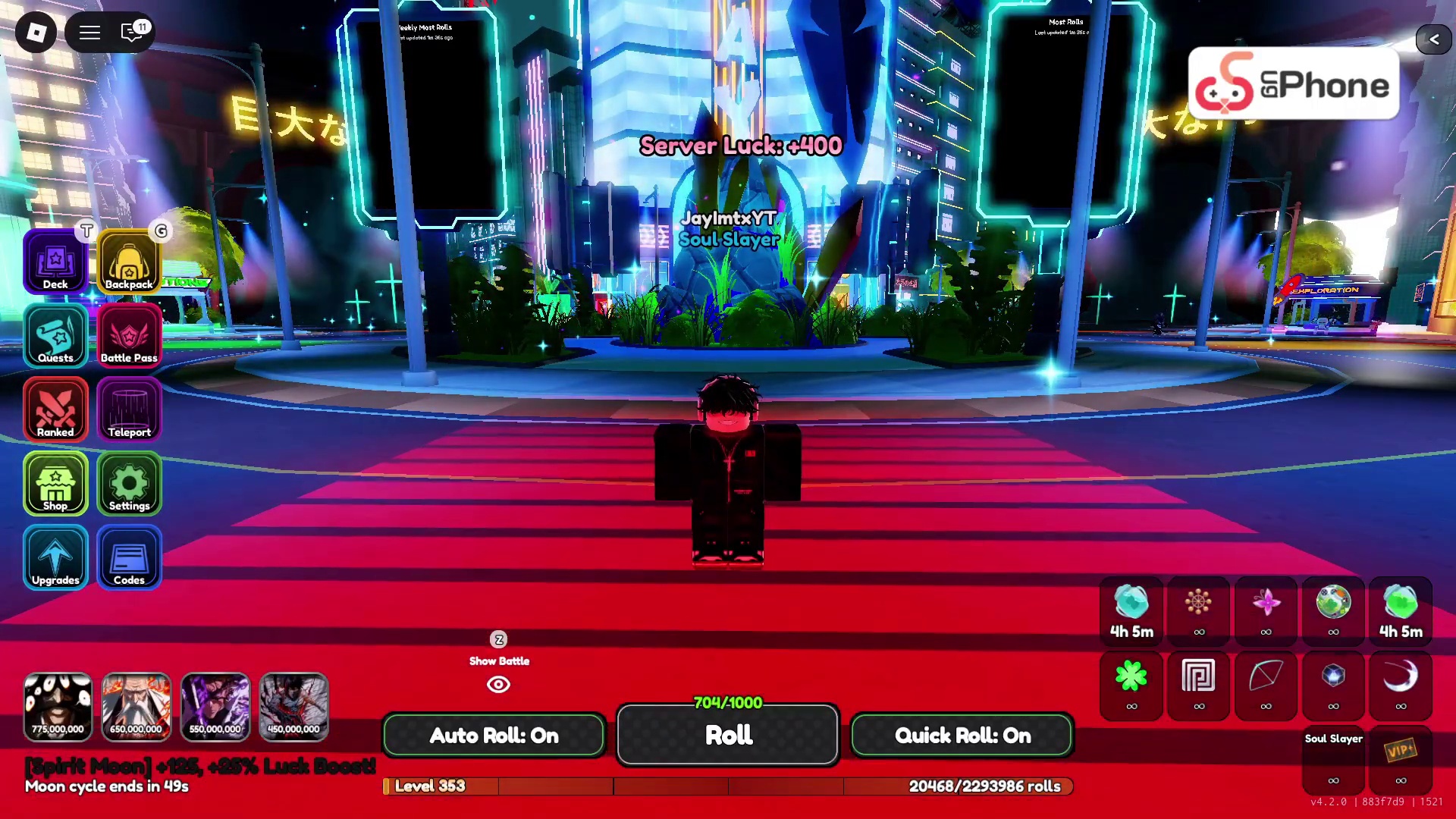
This is where UgPhone truly shines. The platform allows you to run multiple virtual phone instances (Cloud Phones) simultaneously. This means you can have one Roblox account AFK farming towers on 'Cloud Phone 1', another account AFK in PvP on 'Cloud Phone 2', and yet another farming raid bosses on 'Cloud Phone 3', all from a single physical device. By purchasing additional virtual screens within UgPhone, you transform your device into a powerful 'Roblox command center', drastically accelerating your progress by 5 to 10 times compared to normal play. The best part is, UgPhone keeps these instances running even when your device is locked, minimized, or completely turned off.
Conclusion
By following these detailed steps, you can effectively utilize UgPhone and an auto-clicker to automate various farming tasks in Roblox, especially within games like Anime Card Clash. The ability to run multiple accounts concurrently means unparalleled progression, allowing you to achieve significant in-game success with minimal effort. This method is a game-changer for dedicated players looking to optimize their time and dominate leaderboards. Give it a try and experience the difference!